How can I use my wall mounted product on a DIN rail?
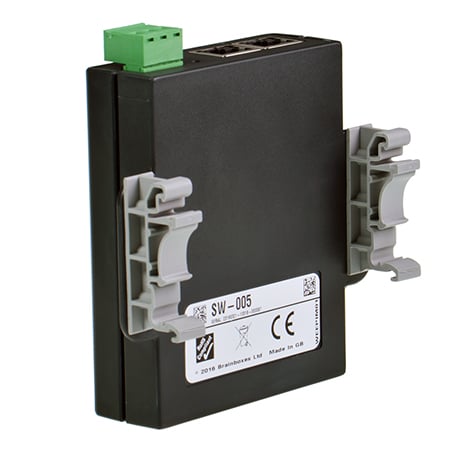
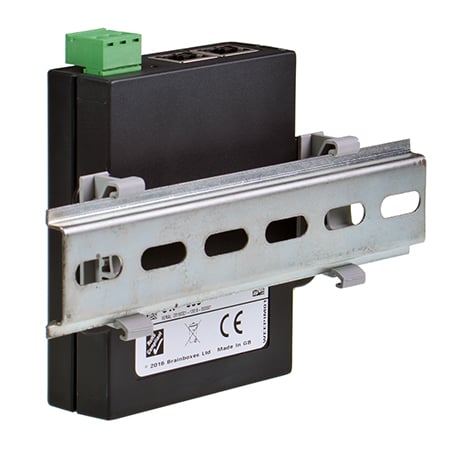
MK-048 clip option makes wall mount products DIN rail compatible
Brainboxes' commercial range of products, such as our 5 port switch (SW-005), 1 & 2 port Ethernet to Serial converters (ES-246 & ES-257), 2 port USB to Serial converters (US-257) & Ethernet Remote IO modules (ED-008) come in a compact plastic case with integrated wall mount brackets.
You can use the wall mount holes and our MK-048 accessory to make any of these products DIN rail compatible: 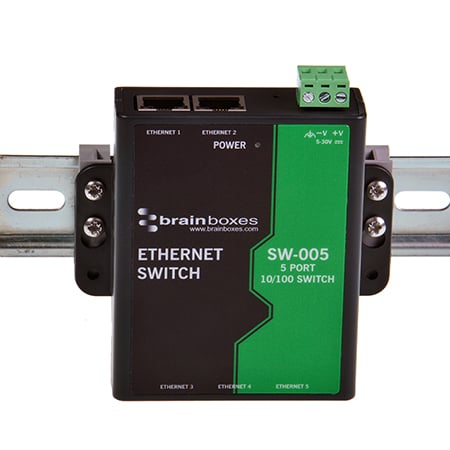
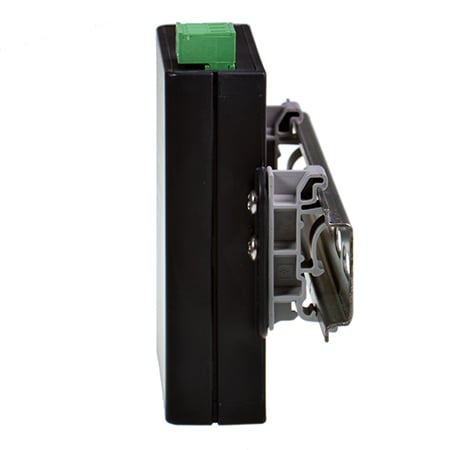
MK-048 mounting clips are made from a strong non-conducting plastic and fit snuggly onto the the DIN rail for a secure attachment. Conversion is quick and simple; the clips have 3 holes allowing you to adjust the position of the Brainboxes device as required: 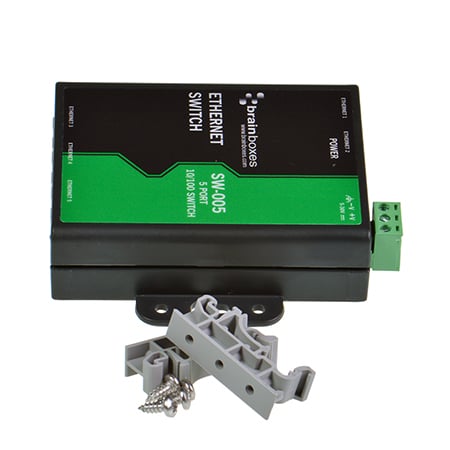
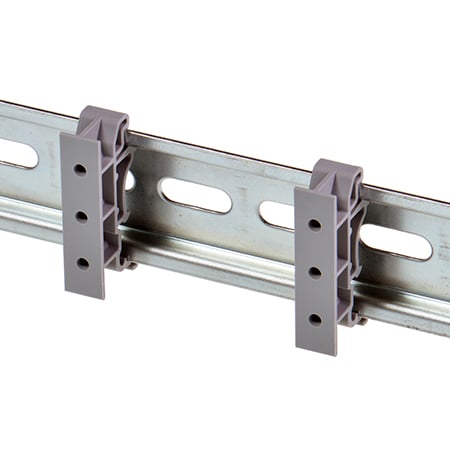
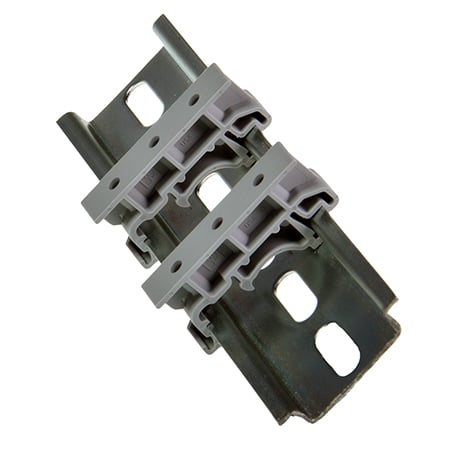
Supplied with the clips are 4 crosshead screws, two for each side, that simply screw through the wall mount holes into the MK-048's predrilled holes: 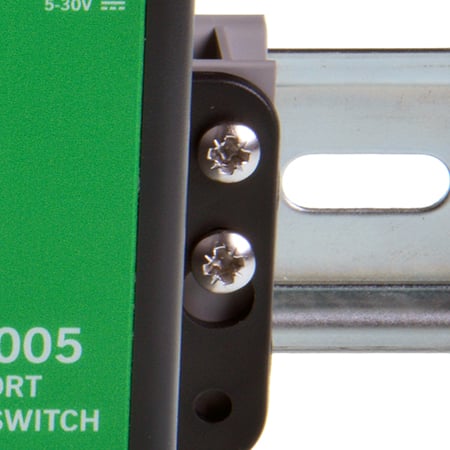
Really simple, but just the thing if you want to mount your Brainboxes' devices onto a DIN rail: