
How do I login to the web administration interface of the BB-400?
This FAQ will describe the different ways in which you can log in to the web Administration interface of the BB-400.
Using browser on Windows
Access the web interface by entering http://bb400-xxxx:9090 into your browser xxxx being the last 4 characters of the BB-400 MAC address and 9090 is the port number for Cockpit, the web-based interface used for the BB-400 webpage. Alternatively you can use the IP address of your BB-400, see our guide on finding your BB-400 on the network.
A privacy warning page will pop up. If you’re using chrome, click ‘Advanced’, then click ‘Proceed to bb400-xxxx (unsafe): 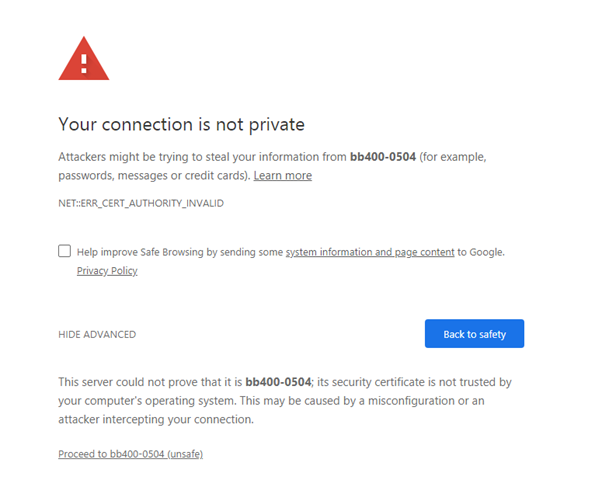
If you’re using Microsoft Edge, you will see the following:
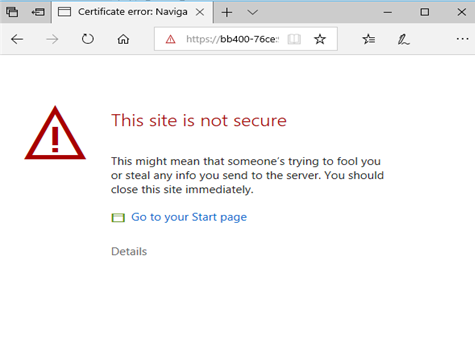
Please select ‘Details’: 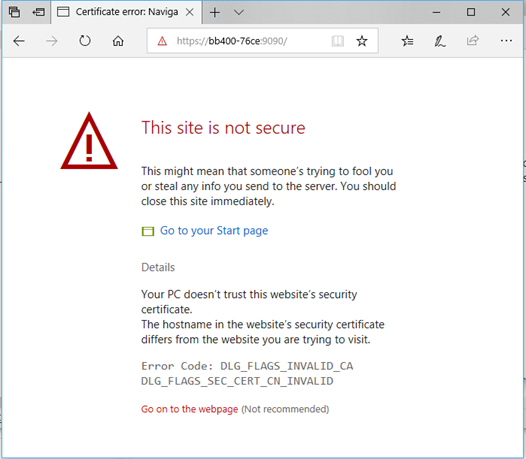
Then Select ‘Go on the webpage’ to proceed.
If you're using Firefox you will see the following:
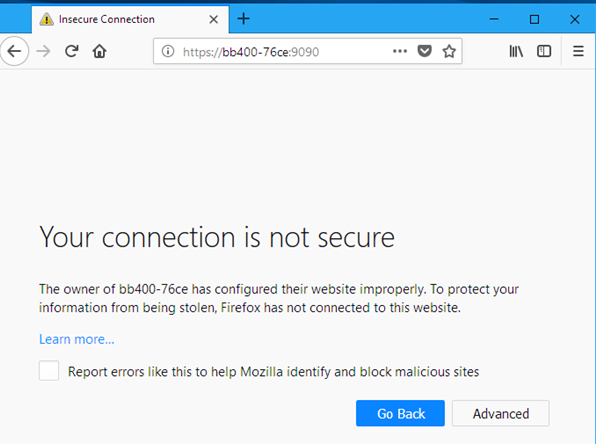
Select Advanced: 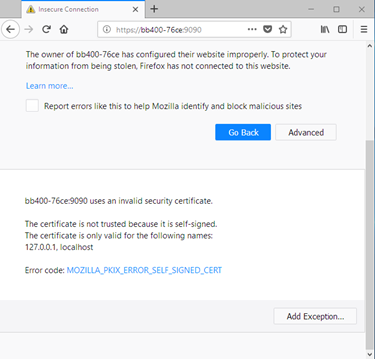
Select 'Add exception': 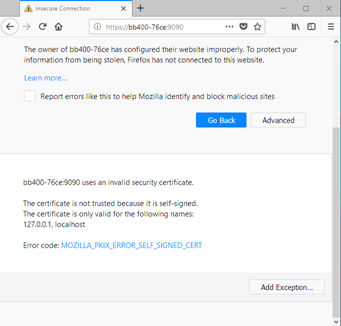
Then select 'Confirm security exception': 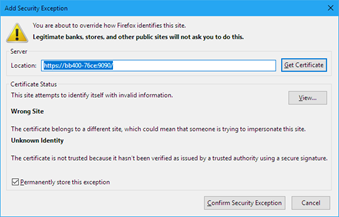
If you are using Opera you will see the following:
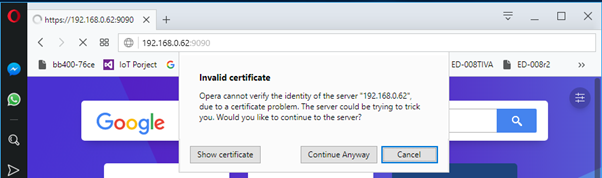
select 'Continue Anyway' to proceed.
Using browser on MacOS
If you are using macOS, please use http://bb400-xxxx.local:9090 instead.
Click ‘Advanced’, then click ‘Proceed to bb400-xxxx (unsafe): 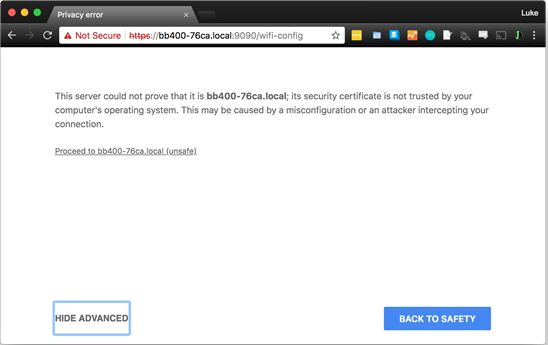
Supported Browsers
Please note that the Web Administration interface is supported under the following web browsers:
• Mozilla Firefox 11+ • Google Chrome 16+ • Microsoft Edge • Apple Safari 6.1+ • Opera 21.1+
What does the "Not Secure" message mean?
Please note that the BB-400 does in fact have a secure connection, this error message is in relation to it being a local webpage. For a website to be “secure” they require a security certificate, which we cannot provide for local webpages. For any further concerns on security please contact our Support Team.
Logging into the web Administration interface
Once you have accepted the warning message you will see the following page:
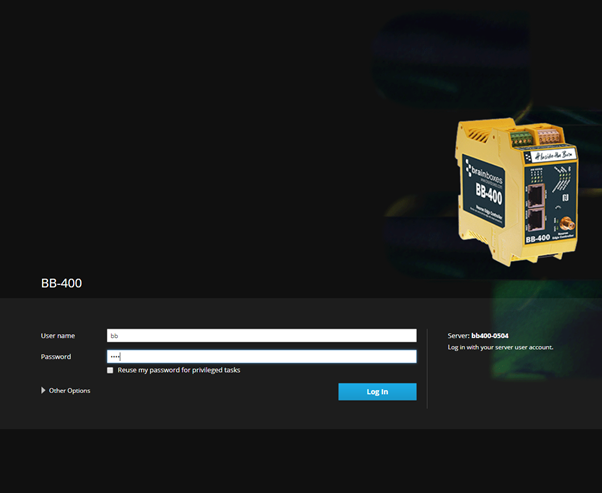
Here you enter your username and password for log in. By default these will always be:
- Username: bb
- Password: The last 4 characters of the BB-400 MAC address