ED Ethernet Remote I/O
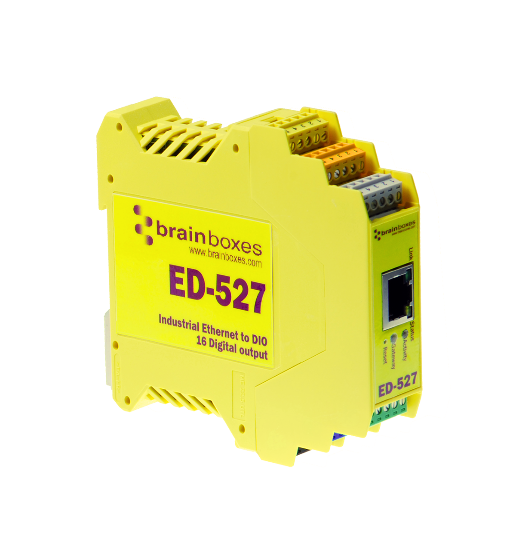
This is the starting point for the ED range Ethernet remote I/O documentation. Browse the full range of Brainboxes Ethernet Remote I/O devices on our main site.
Manage ED devices with BB-Eco
BB-Eco is the cross-platform desktop app and CLI for discovering, configuring, and upgrading ED devices on Windows, macOS, and Linux. It replaces the legacy Windows-only Boost.IO Manager.
Tutorials
- ED Hardware Examples — wiring and connection examples
- ED Analogue Getting Started — set up analogue I/O devices
- ED Modbus Worked Example — step-by-step Modbus TCP tutorial
- Control I/O via the Web Interface — browser-based I/O control
- Using ED devices on Linux — ASCII TCP on Linux
How-to guides
Configuration
- Configure an ED device through the web page
- Configure ASCII settings on an ED device
- ED web configuration walkthrough
- ED analogue web configuration
- ED Modbus TCP configuration
- Find an ED or ES device on the network using DHCP
- Test a remote I/O module from a terminal console
- Control a remote I/O device
- Control a remote I/O device from Windows
- Set up I/O tunnelling between two ED devices
- Make ED devices secure on the network
Firmware
- Upgrade ED firmware with BB-Eco — recommended cross-platform path
- Recover an ED device stuck in bootloader — for upgrades that didn't complete
- Upgrade ED firmware with the legacy Boost.IO Manager — Windows-only path, kept for sites not yet migrated
Drivers
Networking
Reference
- ED Reference Manual — hardware features, configuration, and specifications
- ASCII Protocol Command Reference — full list of ASCII TCP commands
- BB-Eco CLI reference — command-line tool that talks to ED devices
- BB-Eco template format — JSON file format for ED config templates
Explanation
- What is Modbus? — understanding the Modbus protocol
- Configuration as code with BB-Eco — declarative templates and drift detection for ED fleets
- How BB-Eco works — what's on the wire when discovering and upgrading ED devices