PX Troubleshooting and Testing
Installation Problems
-
Check the PCI Express Card is correctly installed, and the Ports appear in Device Manager without any errors (Errors are indicated by a yellow exclamation mark).
-
If the installation did not complete or shows any error messages then restart the computer.
-
If Device Manager is still showing error messages, it is wise to uninstall and re-install. This should cure issues such as Resource Conflicts or failed installations. See Uninstallation and Installation Instructions.
-
If the problem is still present after trying the above, try the following to help narrow down the problem:
- A different PCIe Slot
- A different PC
-
Should the problem still persist, please contact Brainboxes Technical Support.
Communication Problems
If you are experiencing communication problems:
-
Check the PCI Express Card is correctly installed, and the Ports appear in Device Manager without any errors (Errors are indicated by a yellow exclamation mark). If there are any errors follow the Installation Problems section above.
-
Perform a loopback: A loopback test will verify that your card is able to Transmit and Receive Data. The Transmit and Receive lines will need to be connected so that any data sent out of the card is then received back on the same Port. Please use the following to help perform a loopback:
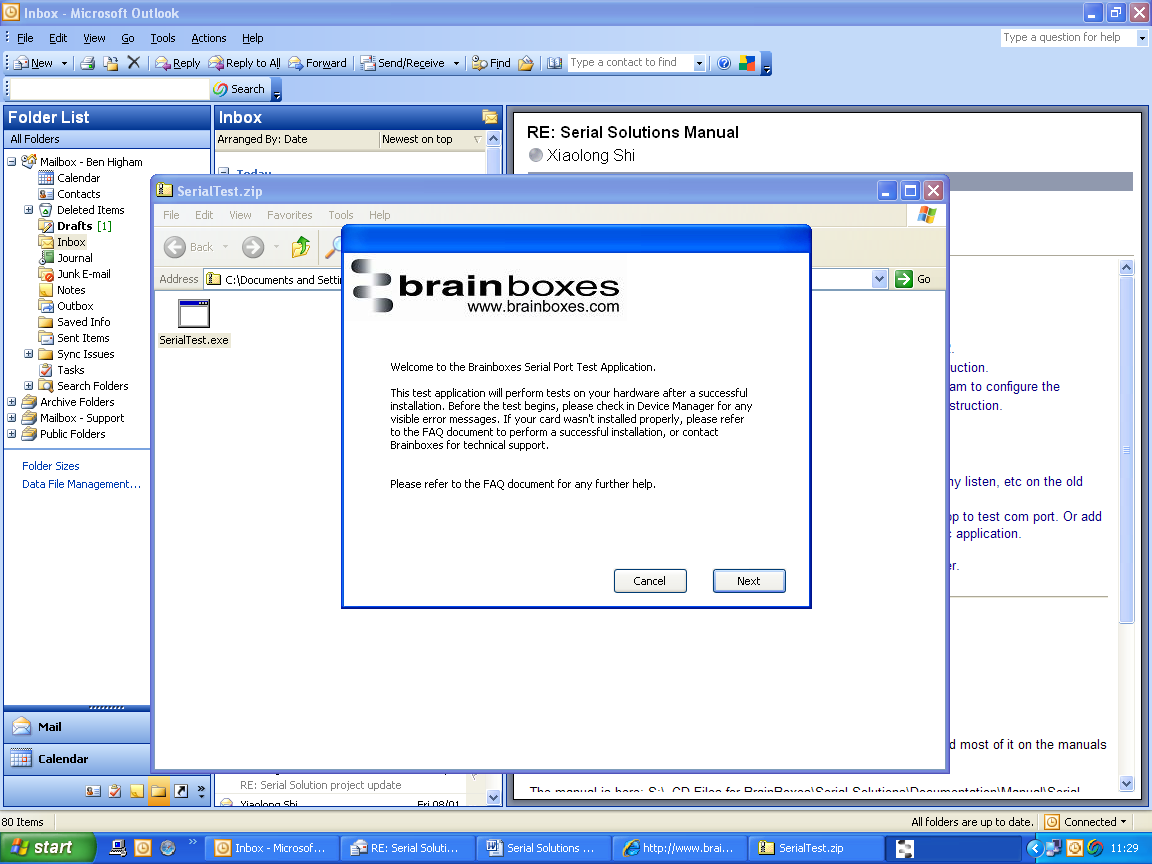
- Brainboxes SerialTest Application: Click here to Launch Loopback test application
- HyperTerminal application: Testing Serial Cards with HyperTerminal procedure
-
Please contact Brainboxes Technical Support with your Loopback test result should the problem still persist with your application.
Testing Your Serial COM Port
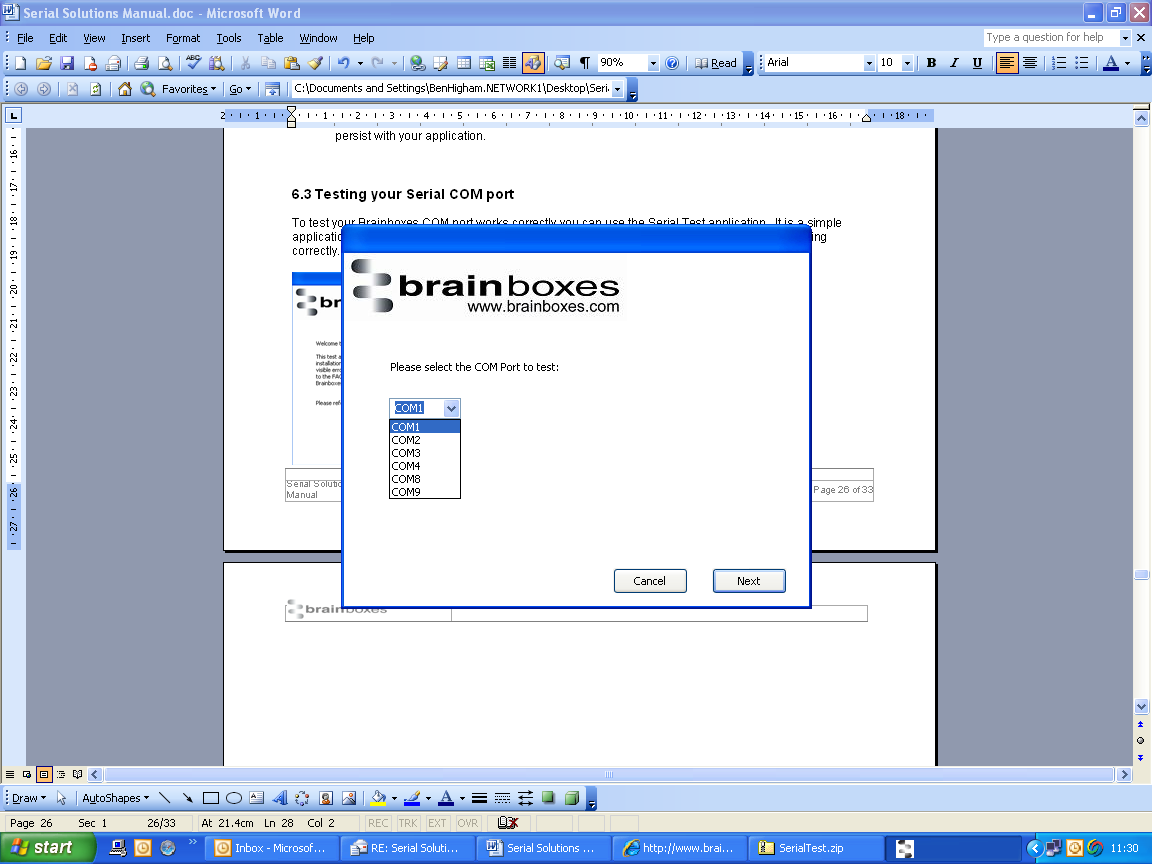
To test your Brainboxes COM port works correctly you can use the Serial Test application. It is a simple application which will guide you through the steps to check that your Brainboxes COM port is working correctly.
- Select the COM port you want to test.
- Connect a loopback connector to transmit and receive pins of the respected COM port.
- You will then be given a result as to whether the test has passed or failed.