
PX Uninstallation
Uninstallation - Windows Server 2008/Vista/Server 2003/XP
To uninstall the device, please ensure the PCI Express Card is present on the PC.
Uninstallation Steps
-
Open Control Panel, and then open "Add or Remove Programs". In Vista, this will be called "Programs & Features".
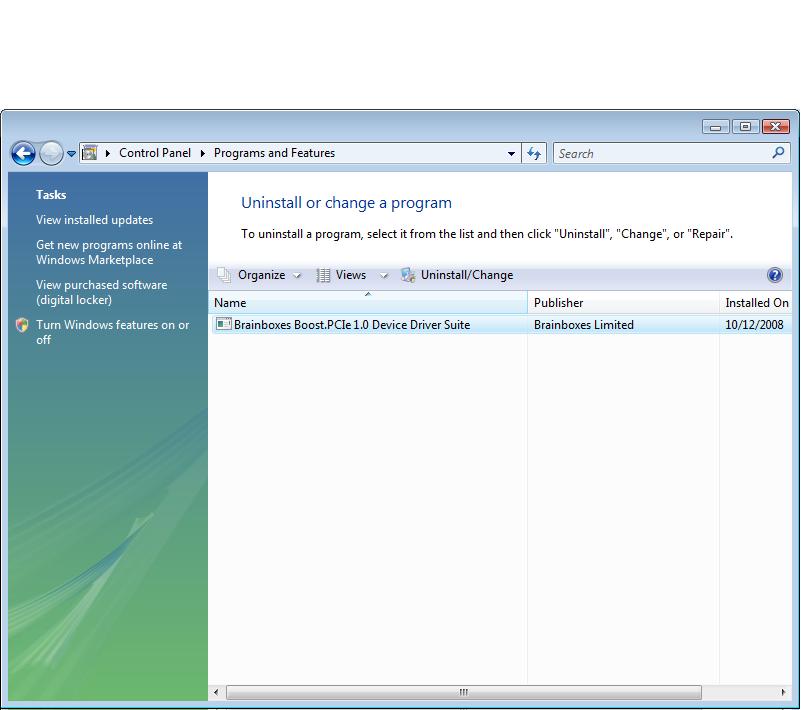
-
The Brainboxes Uninstallation wizard will launch which will remove all driver files and associated registry entries. Just click Next on each page of the Wizard.
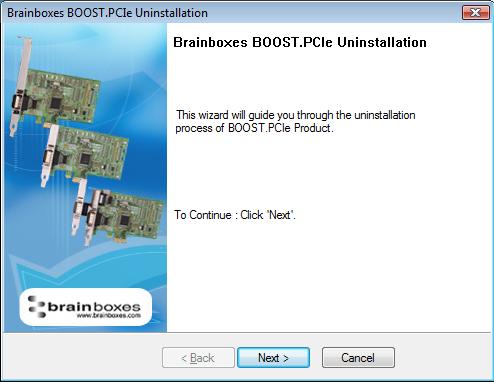
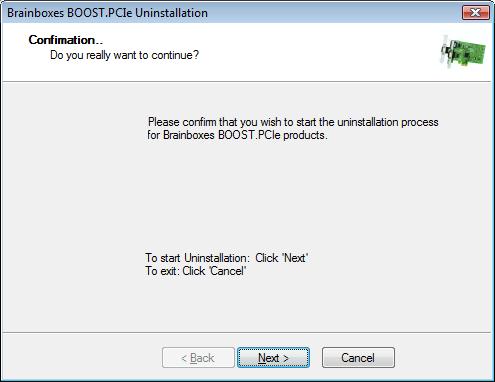
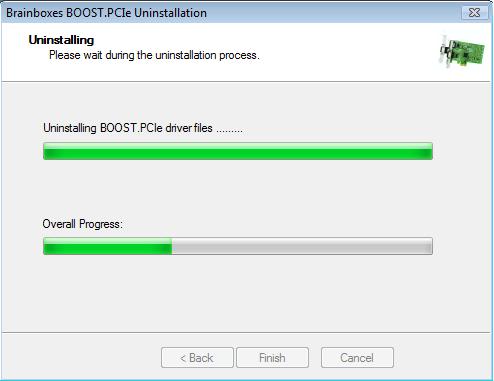
-
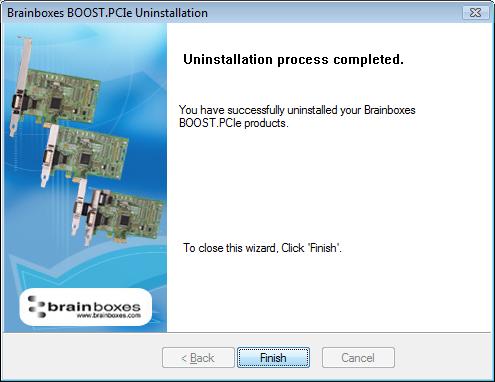
When the drivers have been uninstalled, click Finish.
-
Once finished, check Device Manager to ensure all Ports have been removed from the system.
-
You may now power down the PC and unplug your PCI Express Card.
Reinstalling the Software
To reinstall the software, you have two options:
-
Using Device Manager: Right Click the "Ports" entry in Device Manager and select "Scan for Hardware Changes". Windows should find the ports and launch the Found New Hardware wizard. Follow the installation instructions in Installation Instructions to reinstall.
-
Restart the PC: Alternatively, restart the PC to launch the Found New Hardware Wizard.