
USB/ExpressCard Mac Installation
info
This guide applies to both US (USB to Serial) and VX (ExpressCard Serial) devices.
-
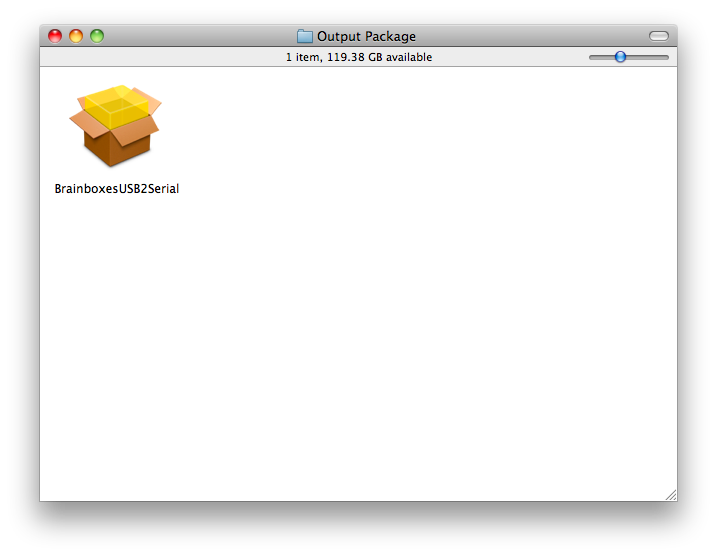
Copy "BrainboxesUSB2Serial.pkg" to a folder on your Mac and open it
-
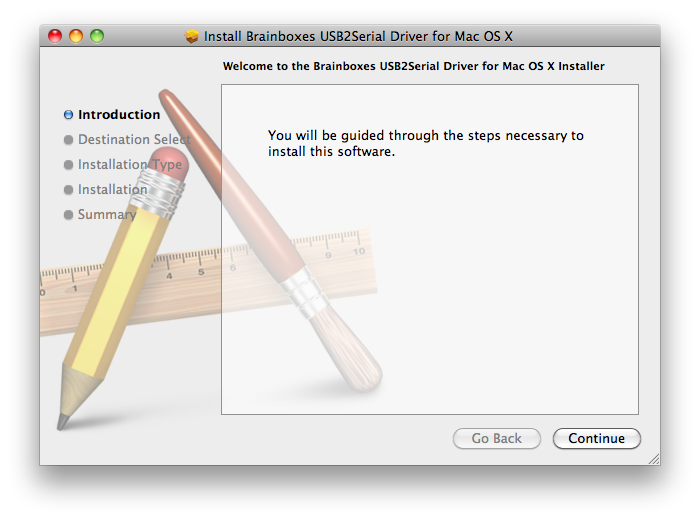
Click Continue on the introduction page.
-
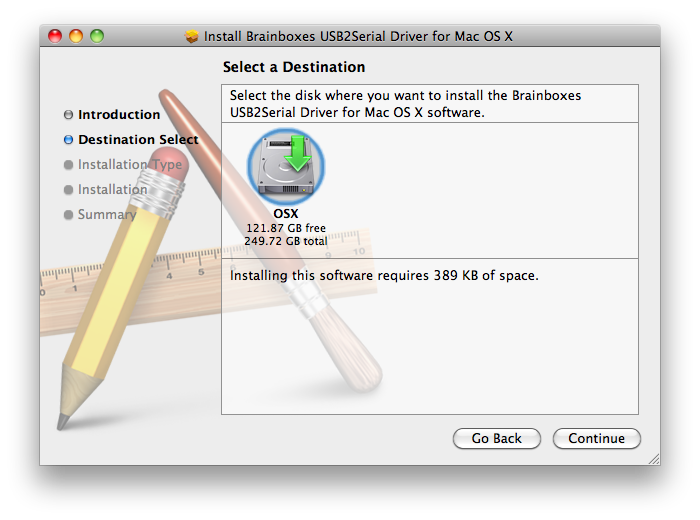
Select the disk which you want the Brainboxes driver to be installed
-
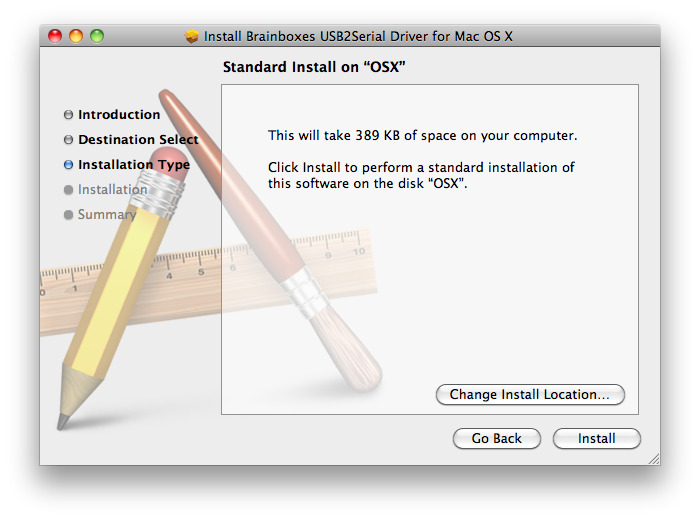
Click the Install button to start the installation process.
-
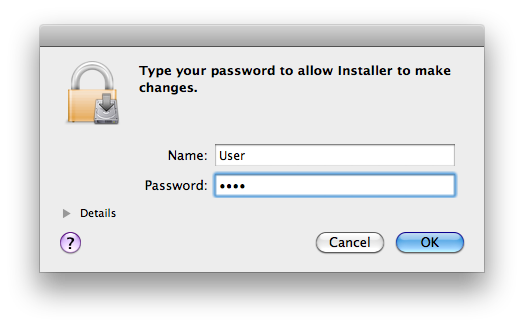
Enter your password if you are prompted.
-
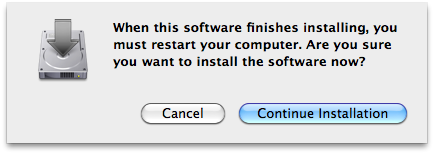
You will then see a message box telling you a restart is required once the installation completes
-
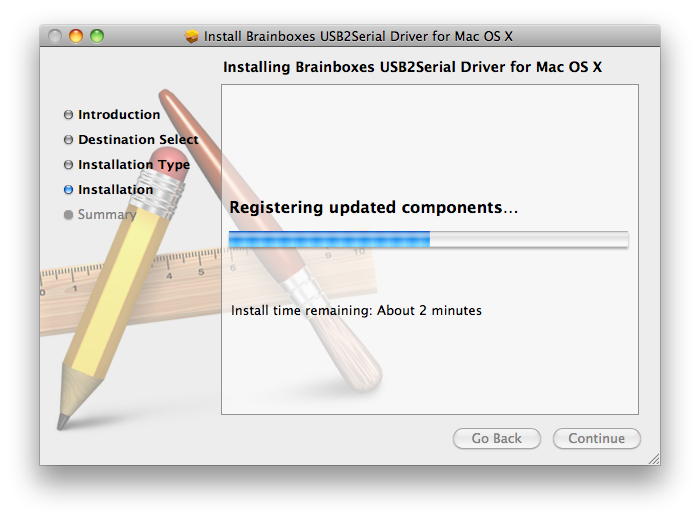
The driver will then be installed.
-
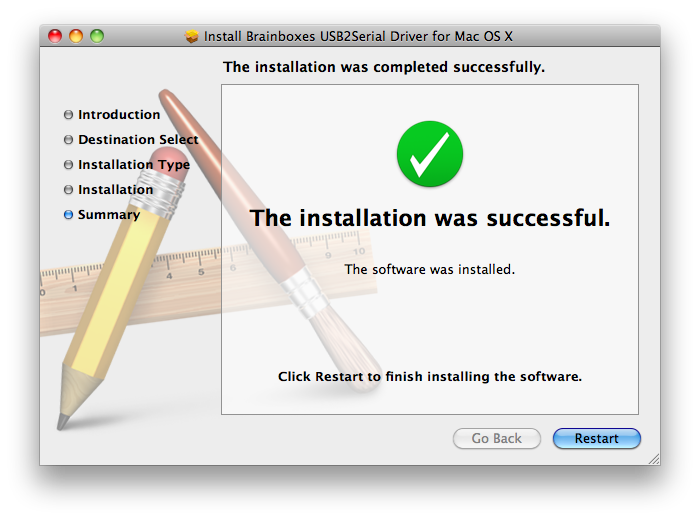
There will then be a message telling you that the installation was successful.
-
You will then need to restart to complete the driver installation.