
UC Uninstallation
The uninstallation steps below are applicable to all the cards in the UC, CC, PM and UP ranges.
Uninstallation for Windows XP, Server 2003, Vista, Server 2008, Windows 7 and Windows 8
-
Open Device Manager and right-click on the Card entry in Device Manager, and click Uninstall.
-
Click OK to confirm device removal.
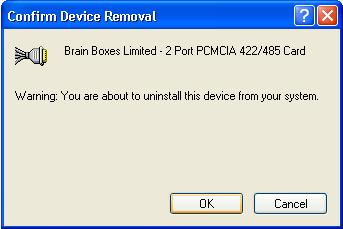
- The Brainboxes Serial Solutions installer will launch. Please see the Brainboxes Serial Solutions Uninstaller section below.
Brainboxes Serial Solutions Uninstaller
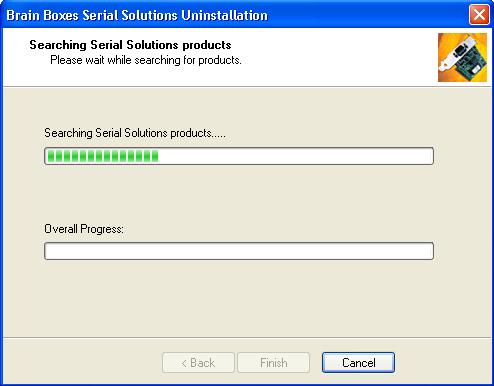
The Brainboxes Uninstallation wizard will remove all driver files and associated registry entries. Just click Next on each page of the Wizard.
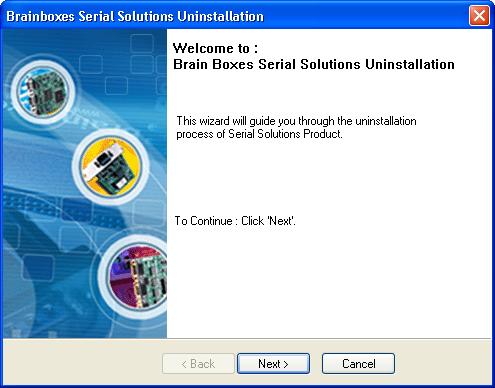
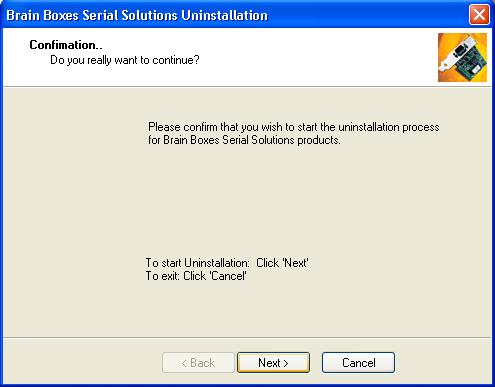
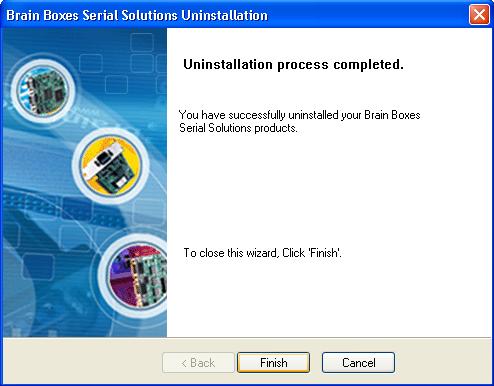
When the drivers have been uninstalled, click Finish.
After Uninstallation
When finished, you may turn off your PC and unplug your Serial Solutions card.
To reinstall, simply plug in the card again and follow the installation instructions in the Installation Overview. Alternatively, restart your PC, or scan for hardware changes in Device Manager and the New Found Hardware Wizard will appear.