
Finding Your Brainboxes COM Port
-
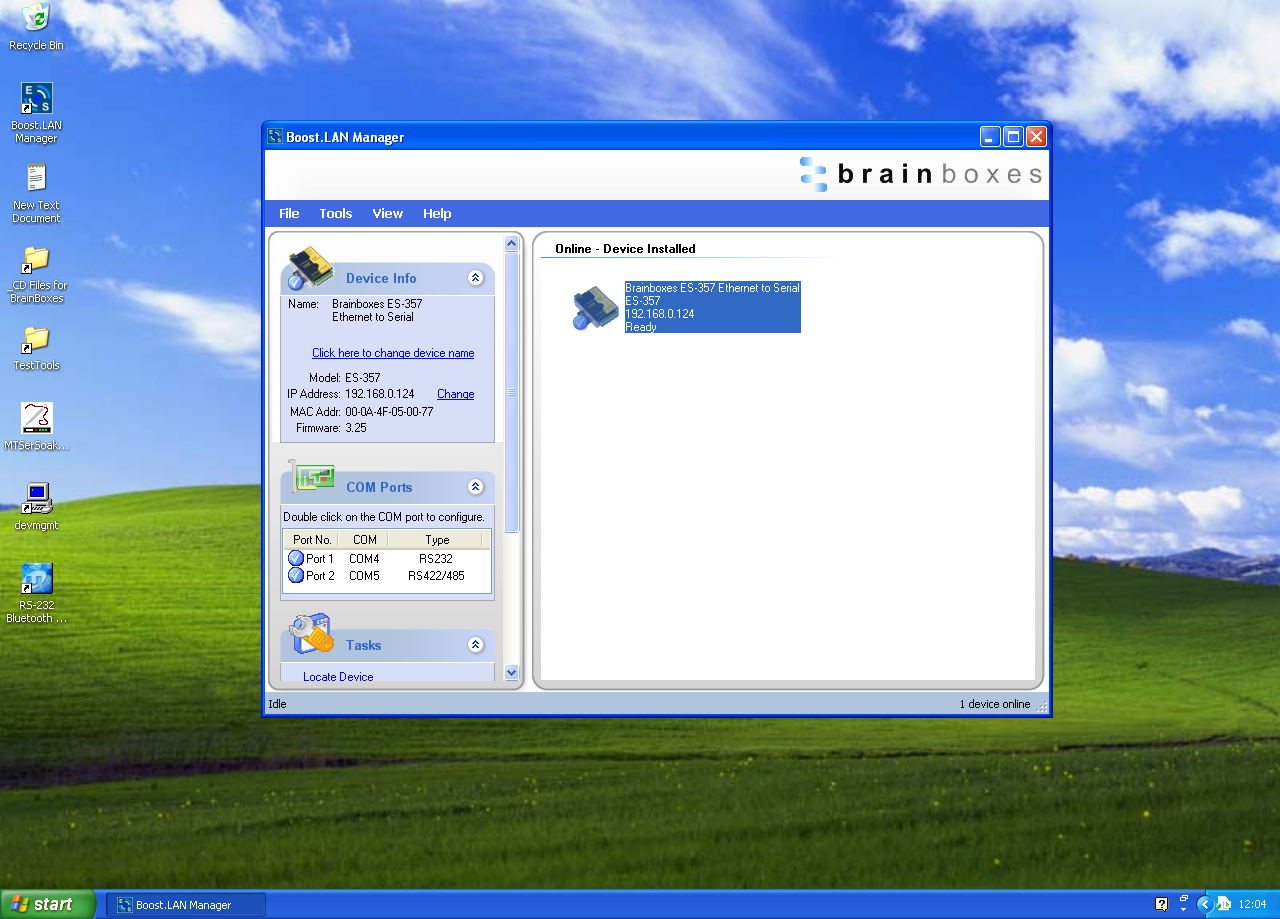
Open Boost.LAN Manager (Found by clicking Start > All Programs > Brainboxes > Boost.LAN > Boost.LAN Manager)
-
Click on your ES Device
-
Find the "COM ports" section on the left hand pane.
Changing COM Label
To change your COM label, see Advanced Configuration - Changing your COM label